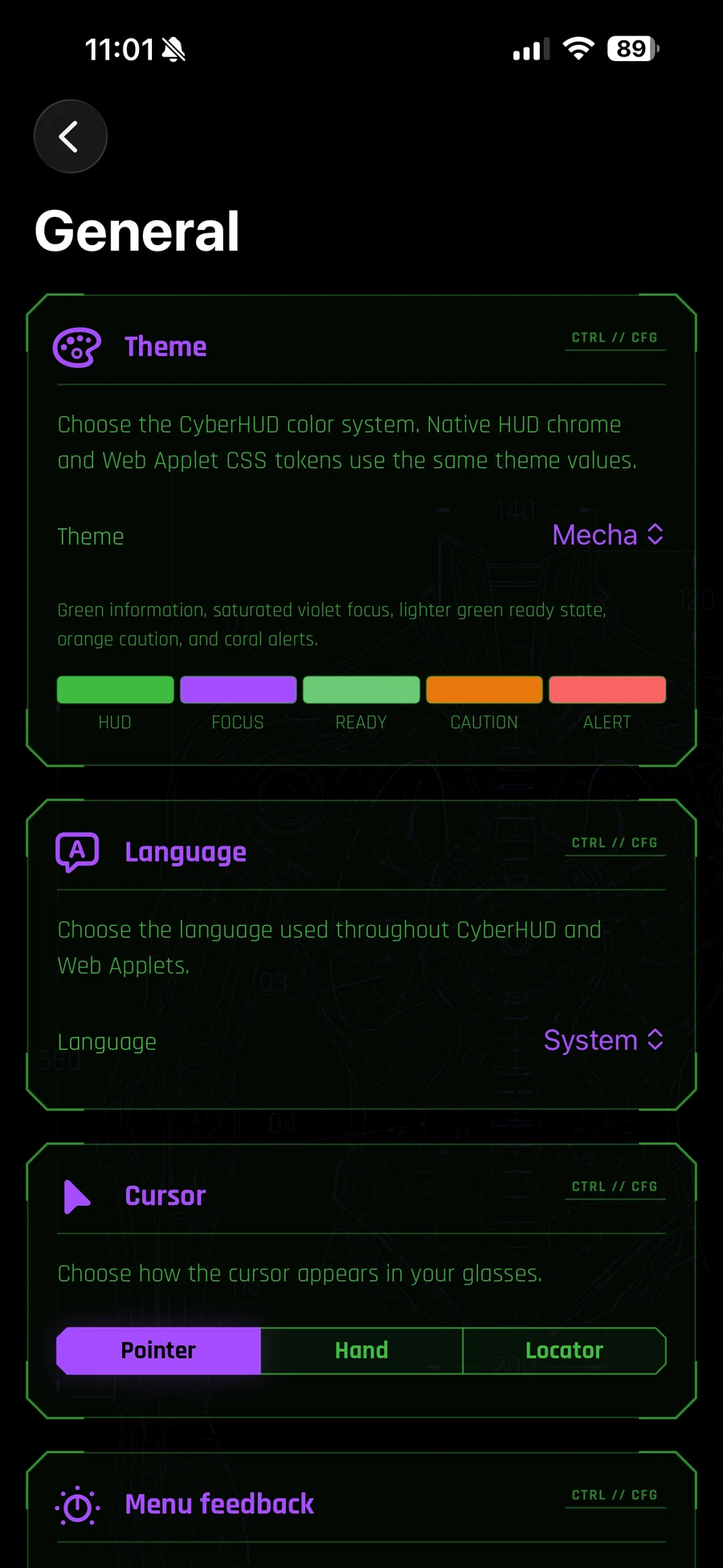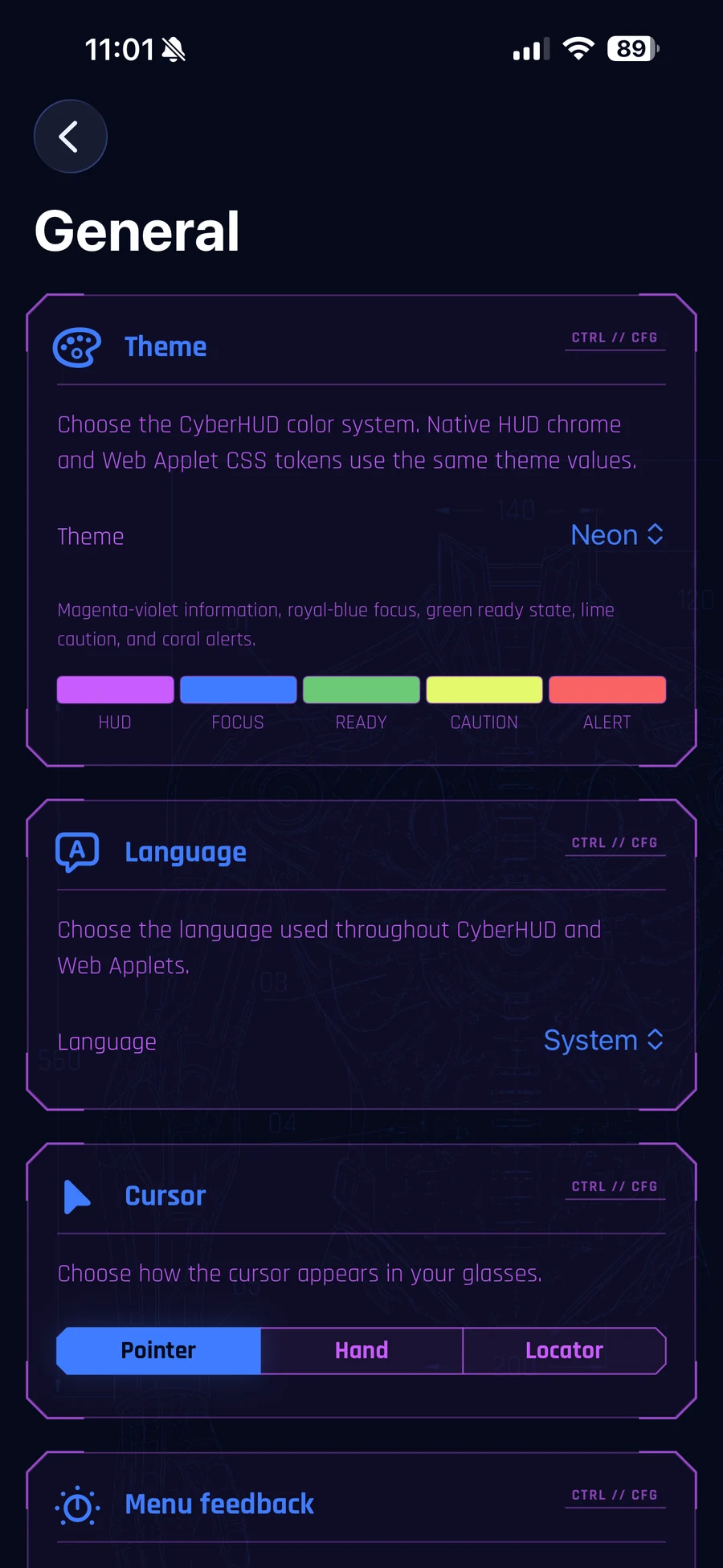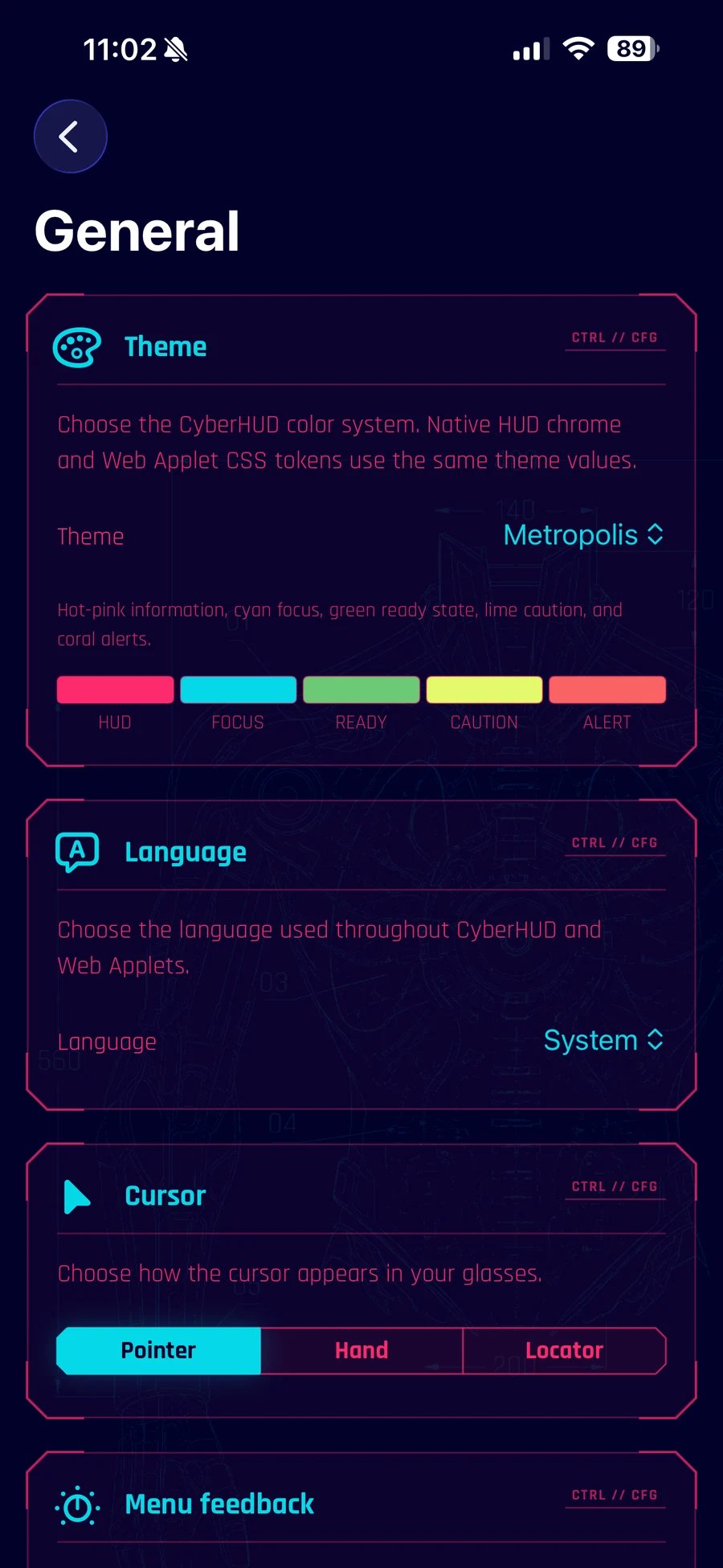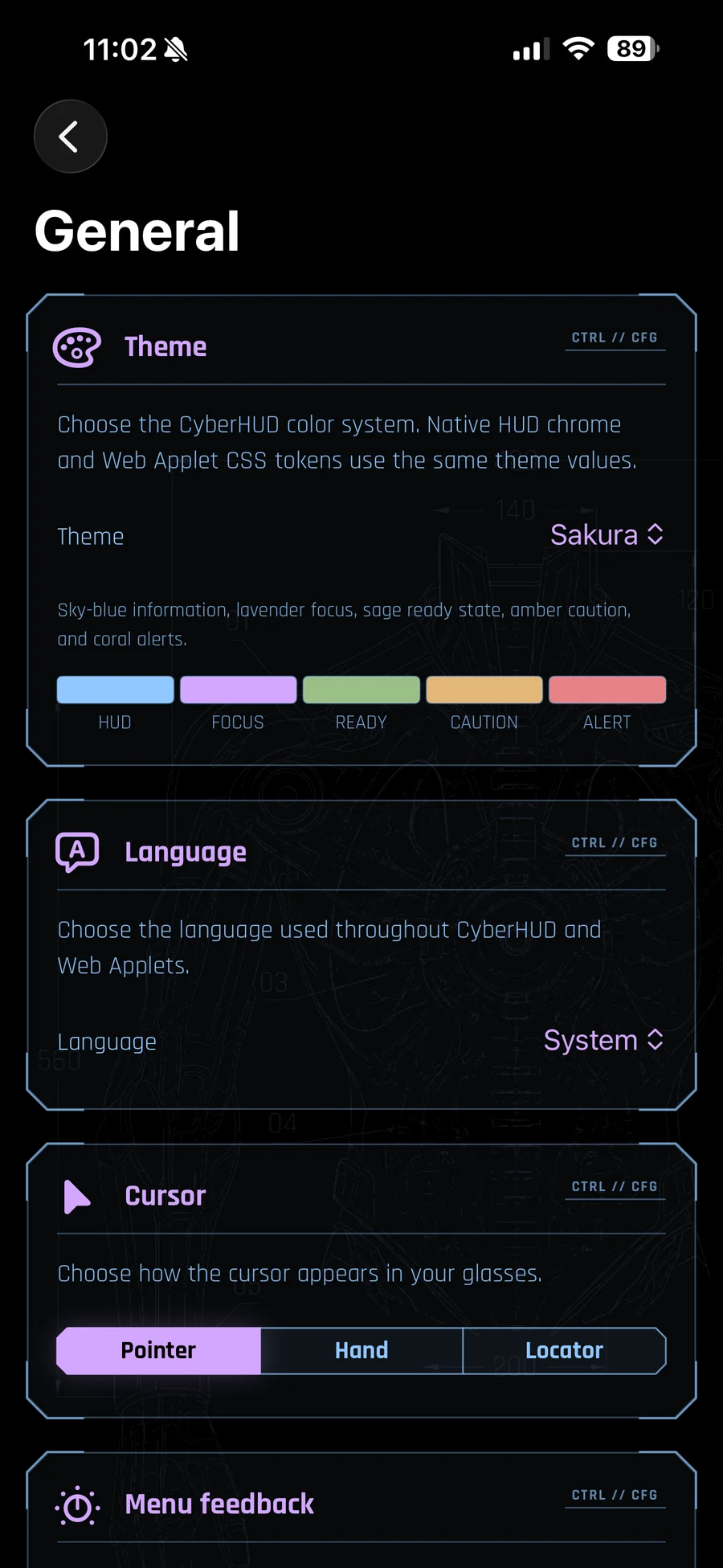


An iPhone-hosted HUD for AR Glasses

Keep a focused capability in view.

CyberHUD is an iPhone-hosted HUD for compatible USB-C AR Glasses that work as an external display.

CyberHUD 1.0.0 has been submitted to Apple for App Review. It has not been approved and is not yet publicly available on the App Store.

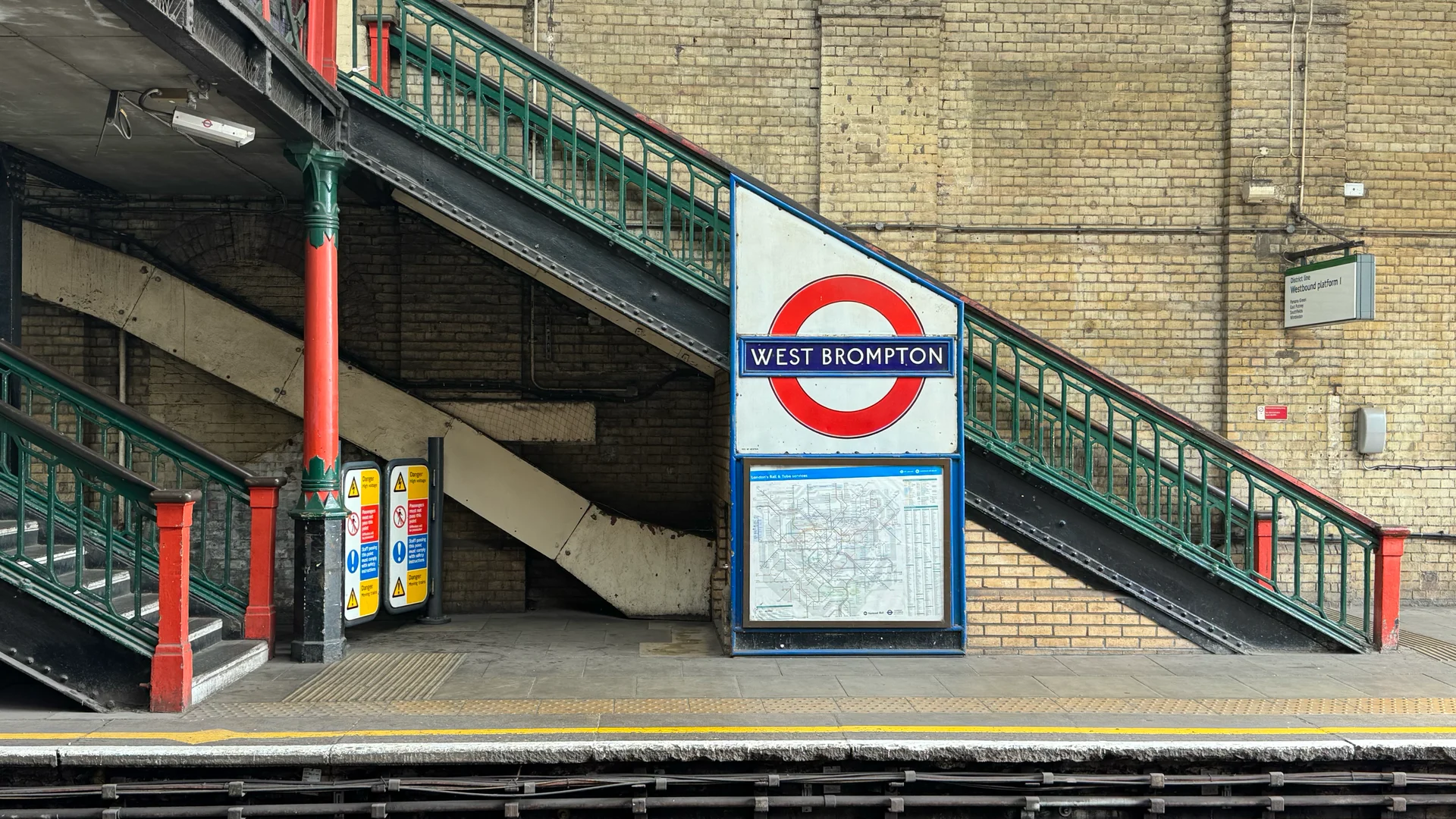
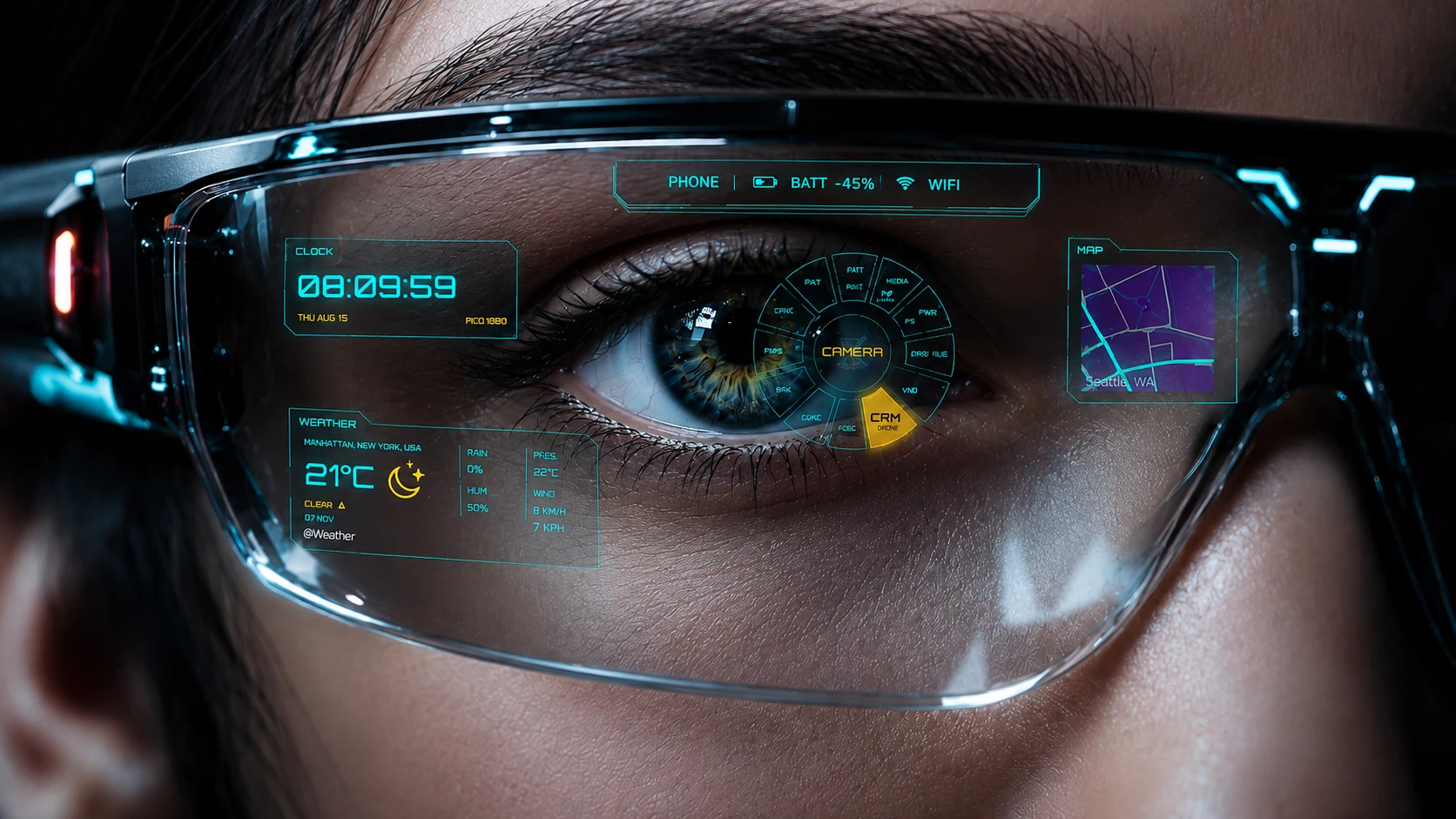
Concept visual. AI-generated; not a product screenshot or through-glasses view. Actual CyberHUD output is shown below.

01 // Monitor

Choose what stays in view

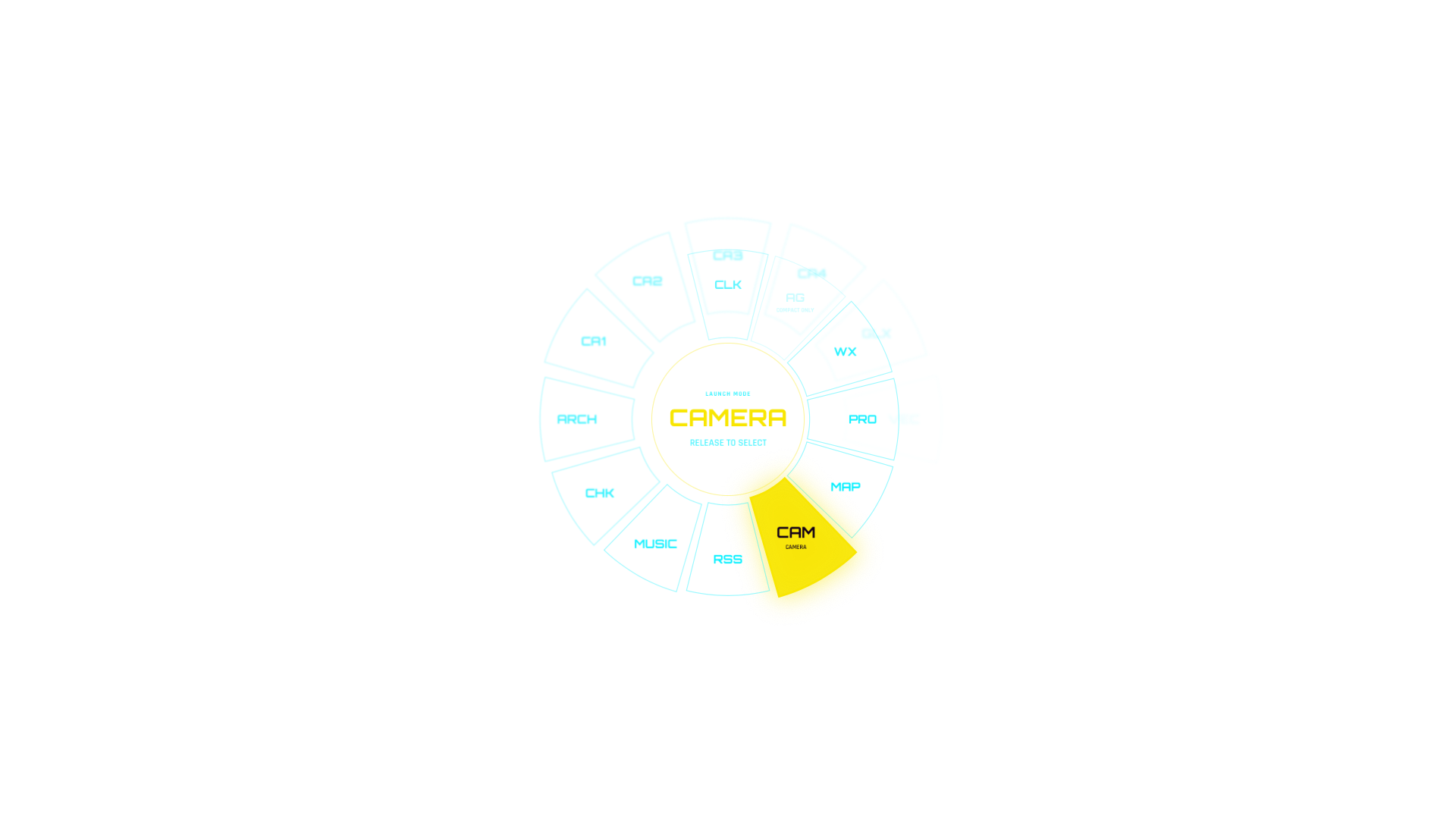
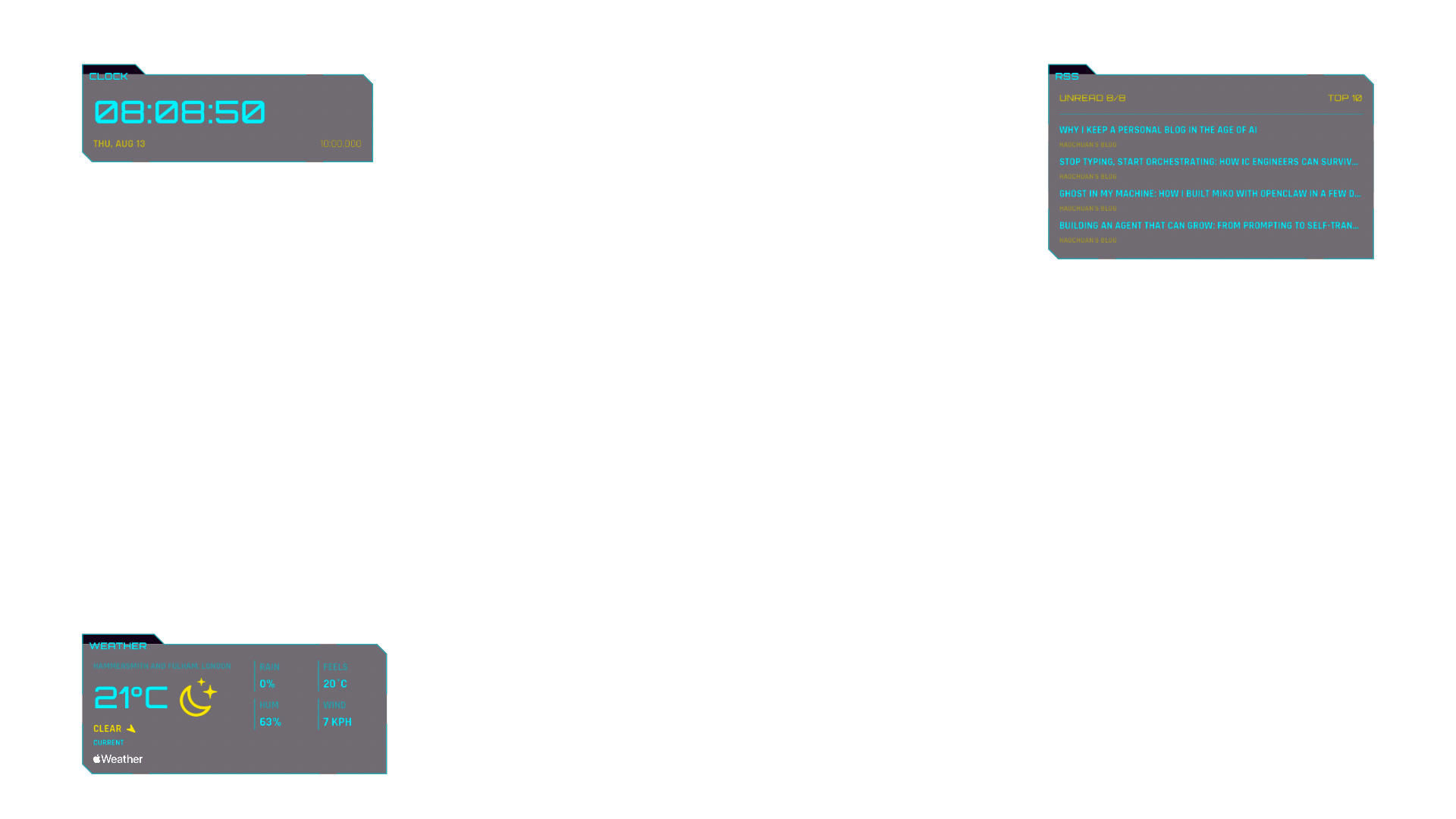
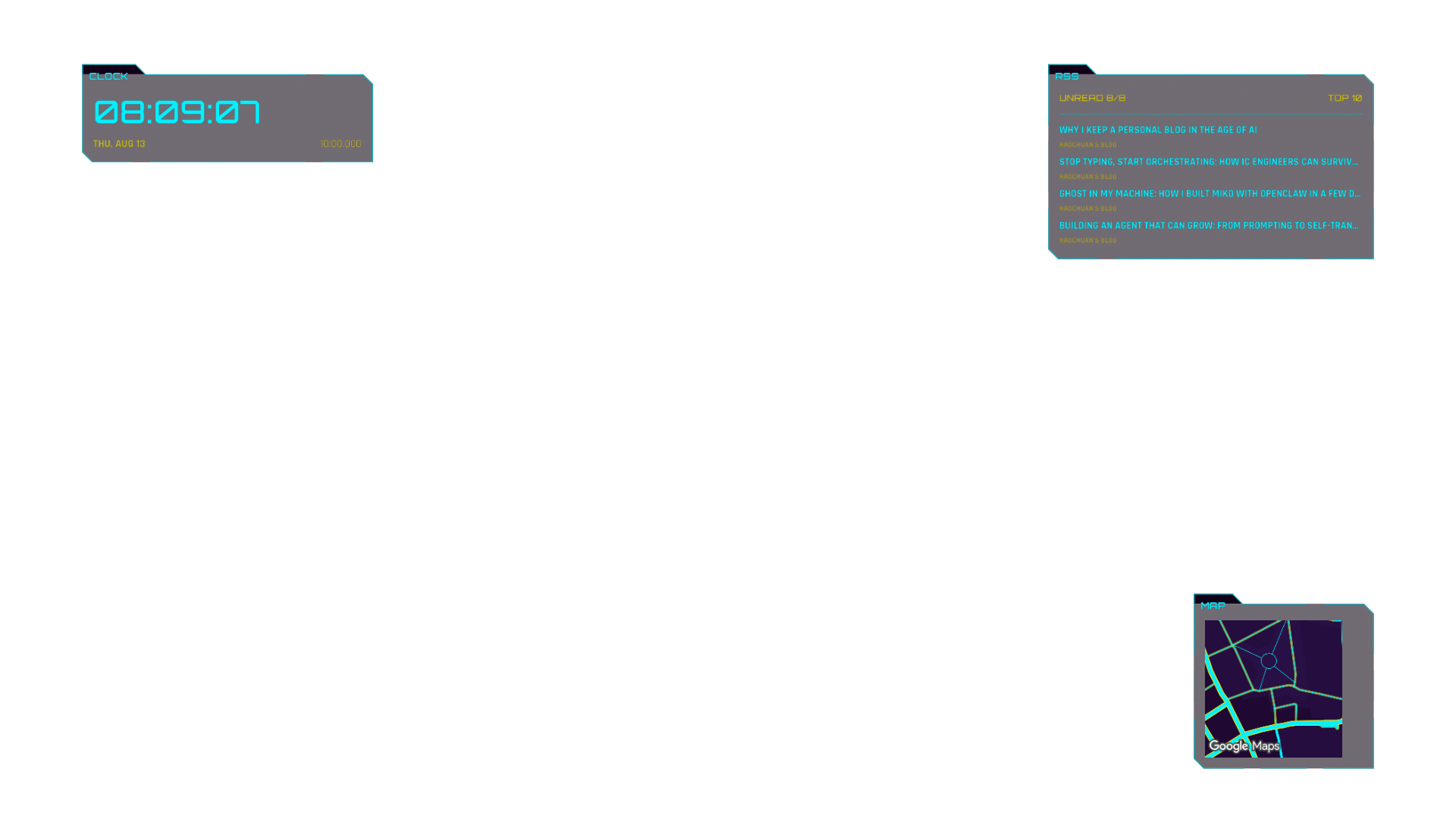
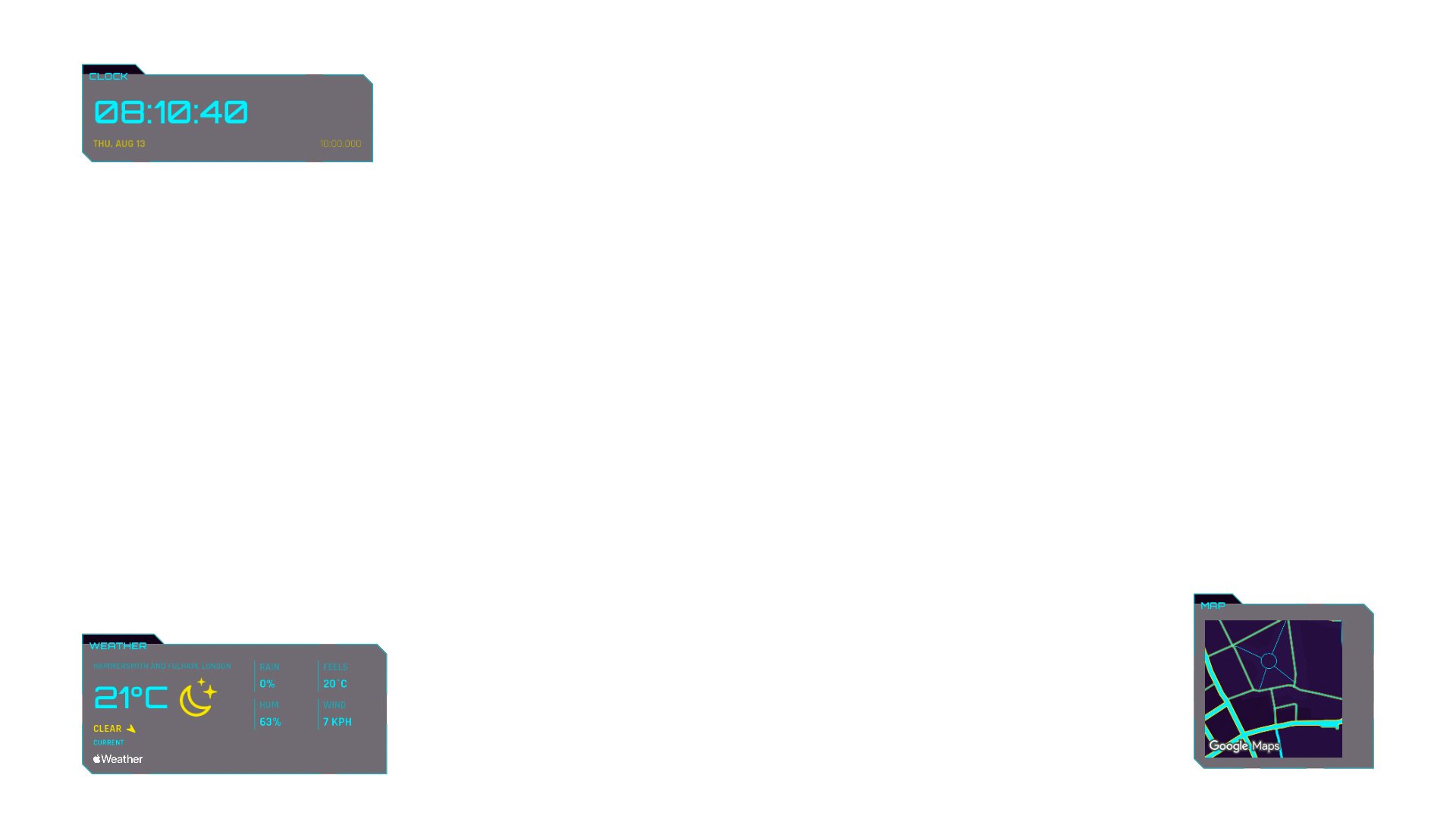
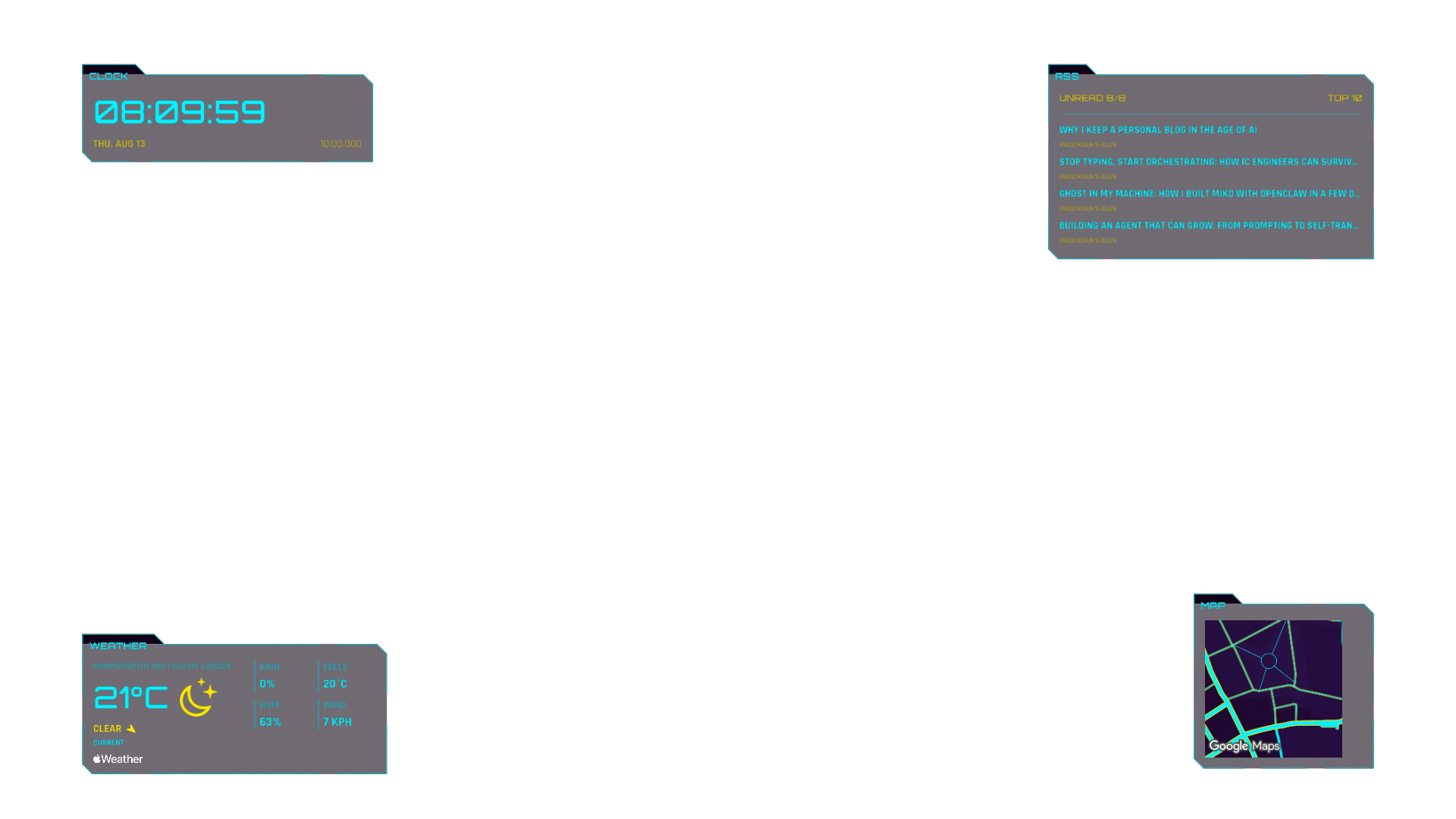
Keep up to four widgets in the corners and open one applet in the centre, with black space outside the HUD.

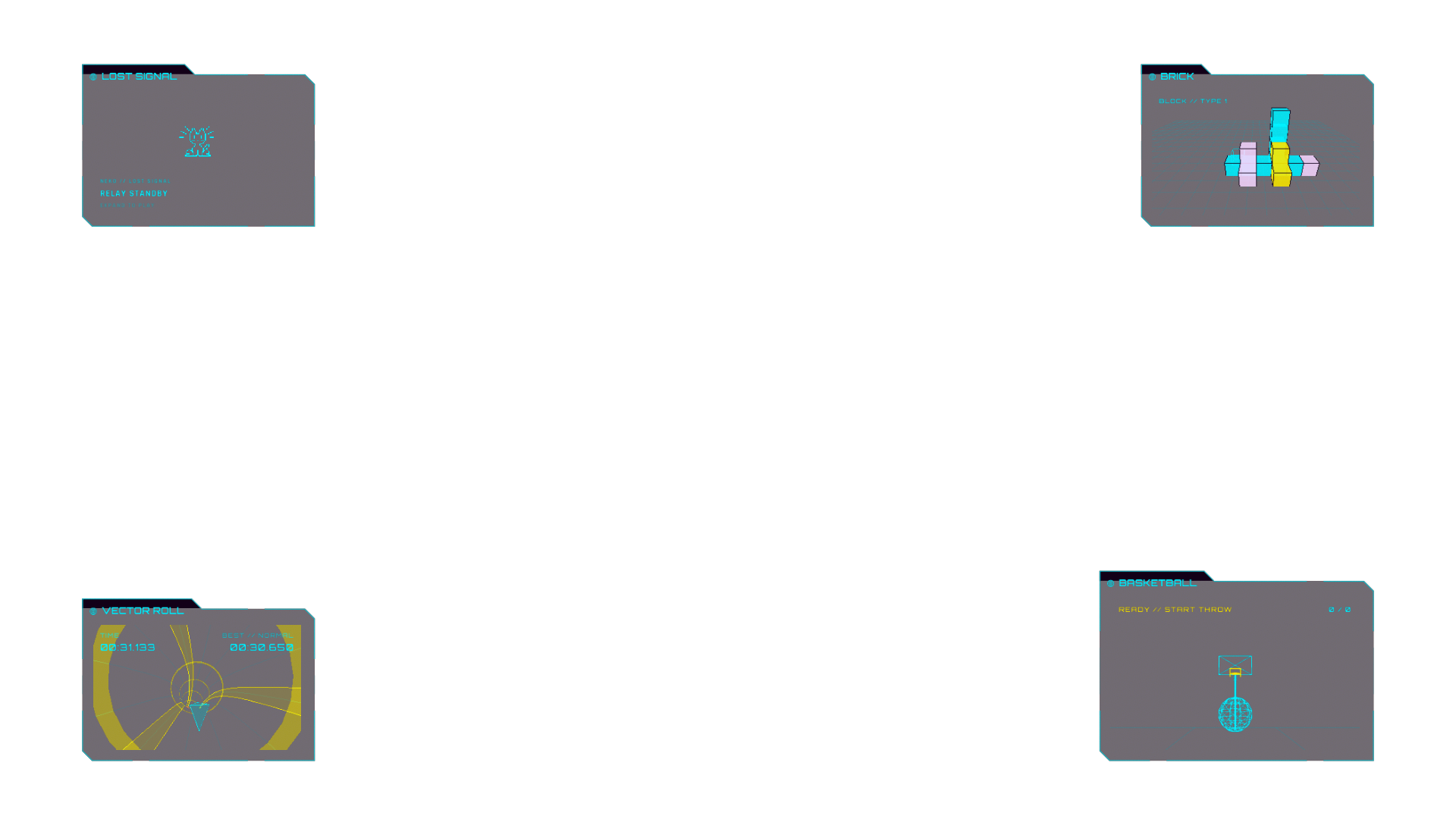
  • 04Docked widgets
  • 01Active applet
  • 1920×1080Logical Desktop

Product-state composites from physical-iPhone output and owner photographs; not through-glasses captures or compatibility proof.

02 // Controller

Your iPhone stays in control

Move, select, open the Menu, Sleep or Wake the HUD, and enter text without relying on glasses cameras or tracking.

Move

Large trackpad

Move the pointer and tap to select.

Transform

Two-finger gestures

Scroll, zoom, or rotate supported applets.

Type

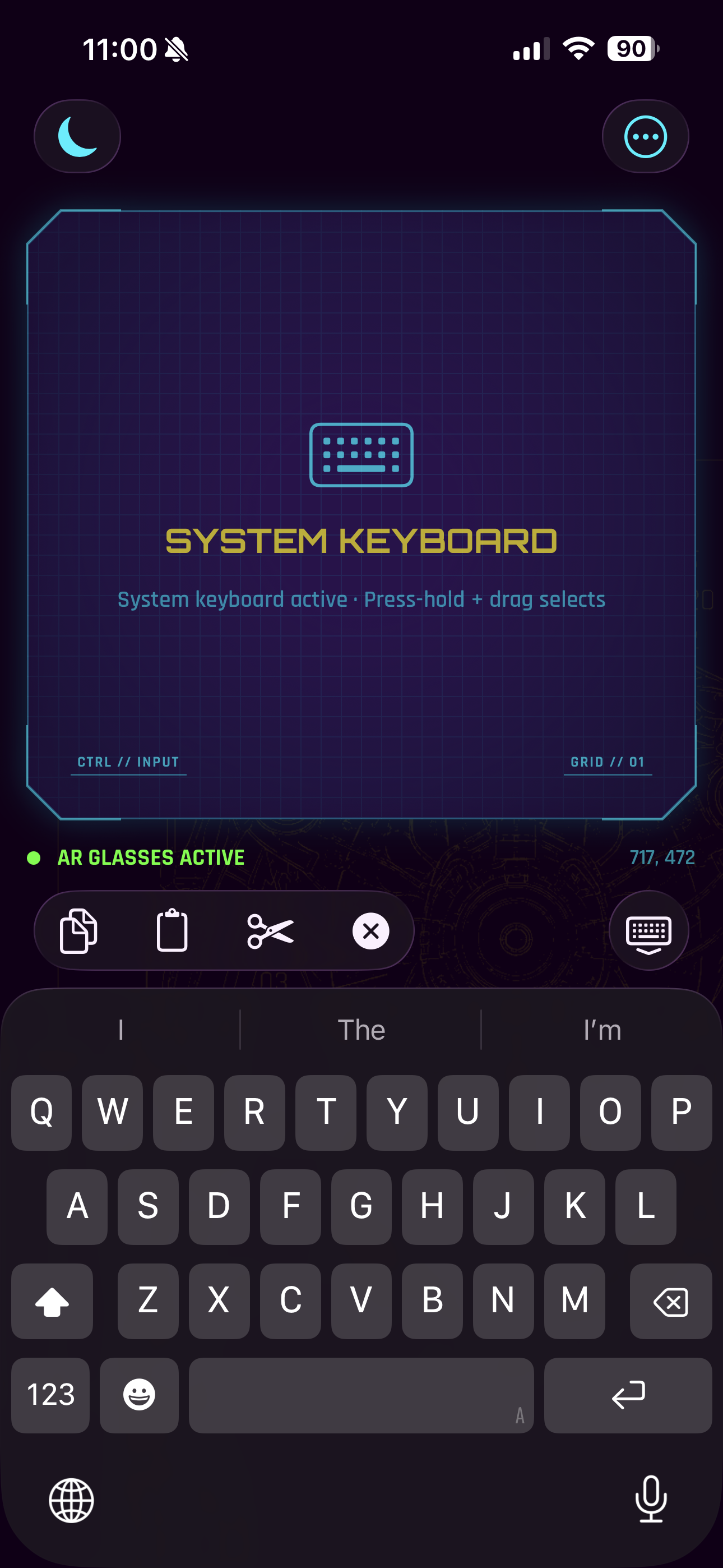
System keyboard

Enter and edit text for the Active applet.
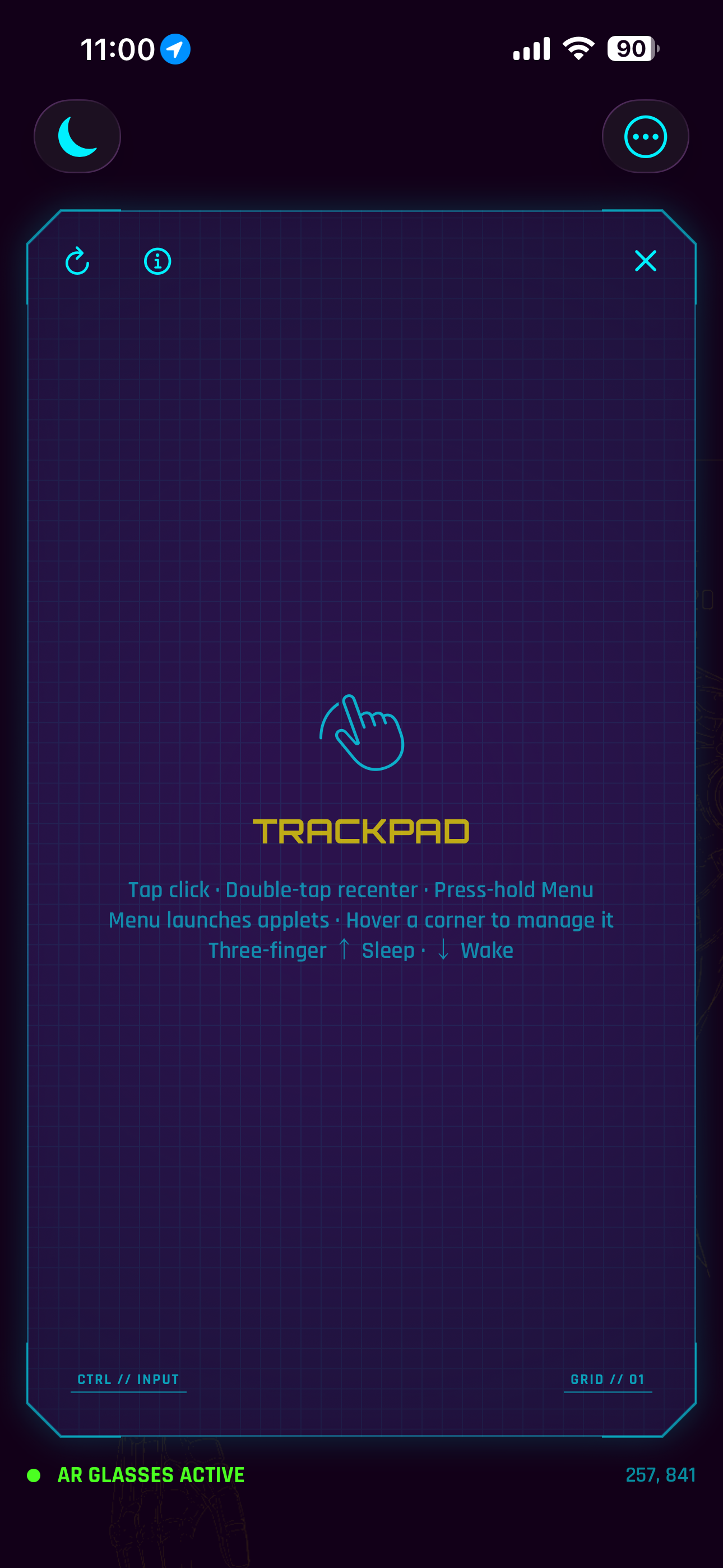
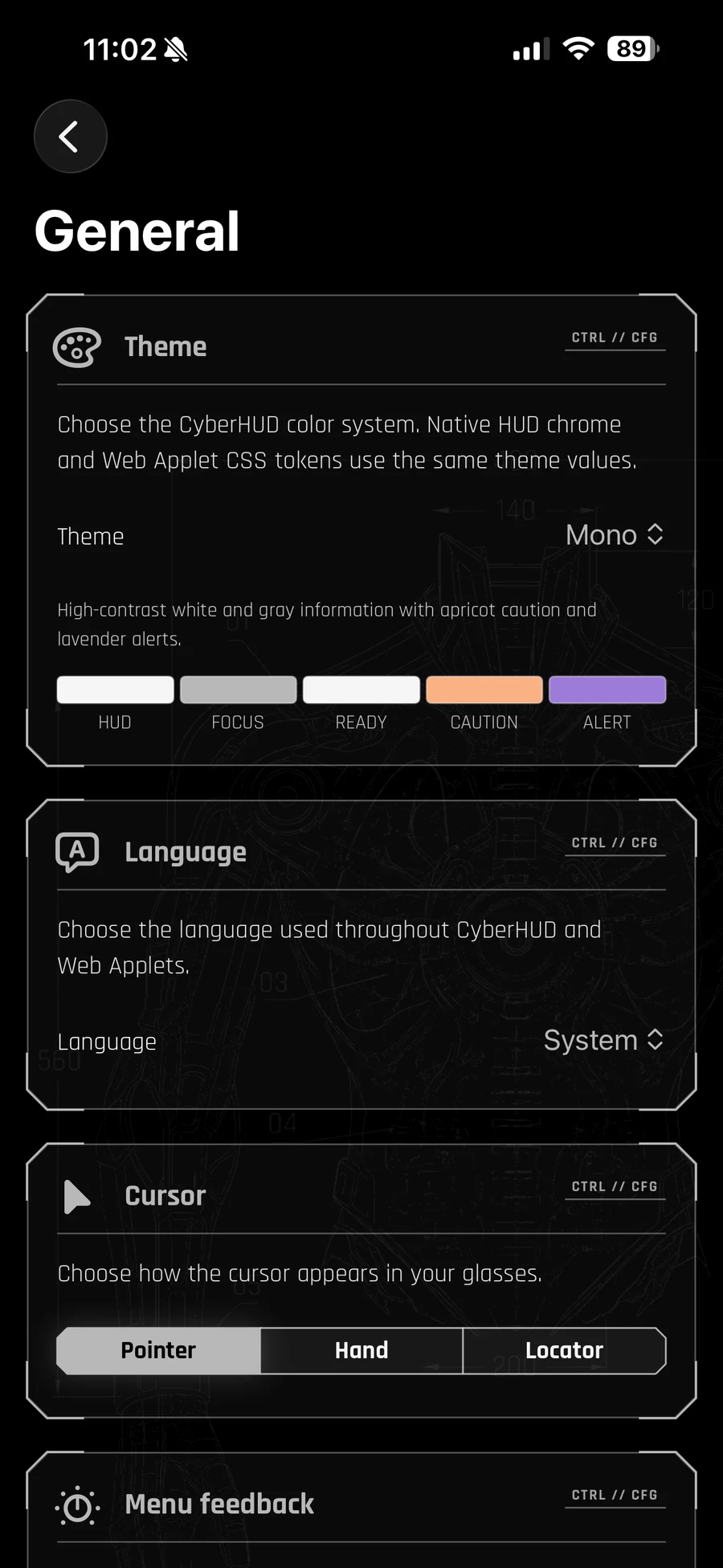
CyberHUD Trackpad on iPhone, with gesture guidance and an active AR Glasses connection.
Trackpad — physical-iPhone Controller screenshot.
CyberHUD Desktop Text Input Mode on iPhone with the system keyboard open.
Keyboard — physical-iPhone Controller screenshot.

03 // Applets

A focused tool for each moment

Choose from built-in native and bundled applets. Keep up to four glanceable widgets nearby, then open one supported applet in the centre.
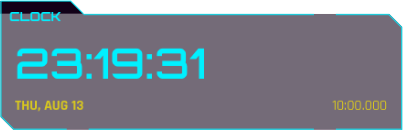
Clock Compact widget showing time, date, and countdown.
Physical-iPhone Compact capture

Native // Time

Clock

See the time and date at a glance, or run a countdown while another applet stays active.
Optional countdown alerts use local iPhone notifications.

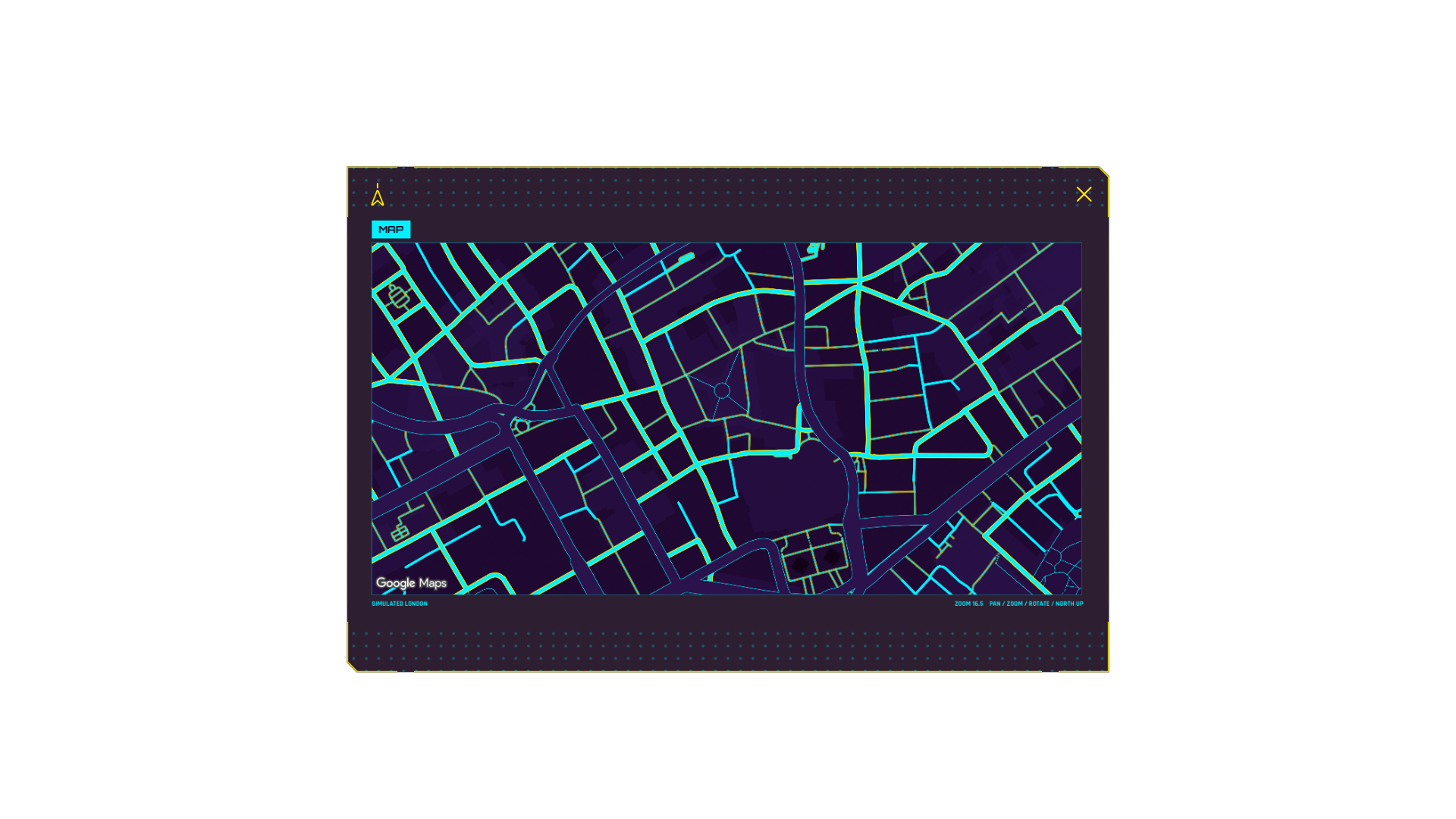
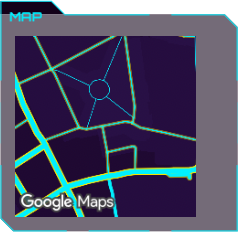
Map Compact widget showing a simulated Google Maps view.
Physical-iPhone Compact capture

Native // Location

Map

Follow your current position, explore the map, re-centre, or face your current heading.
Uses Google Maps; follows your iPhone location only after permission.

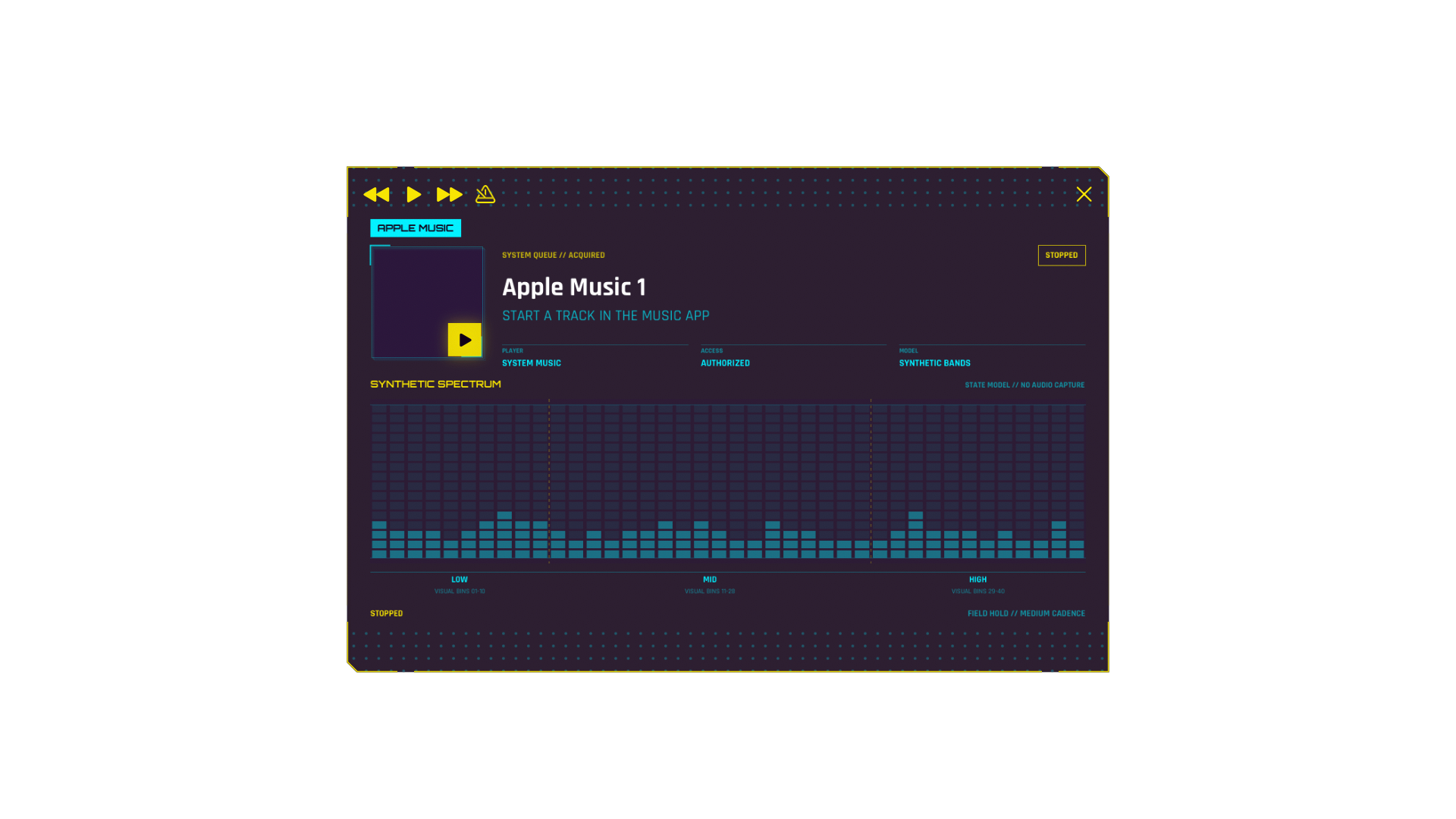
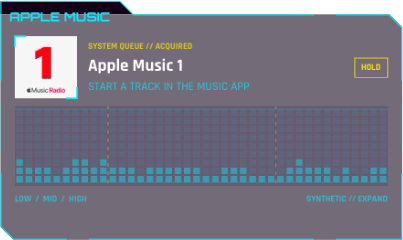
Apple Music Compact widget in a generic stopped Radio state.
Physical-iPhone Compact capture

Native // Music

Apple Music

See what is playing and use previous, play/pause, and next controls for the Music app's current queue.

Requires Music permission. CyberHUD does not record the audio.

Agenda Compact widget showing three fictional sample events.
Physical-iPhone Compact capture

Native // Calendar

Agenda

Keep upcoming events nearby, with extra emphasis when the next event is approaching.
Reads your selected iPhone calendars only after permission.

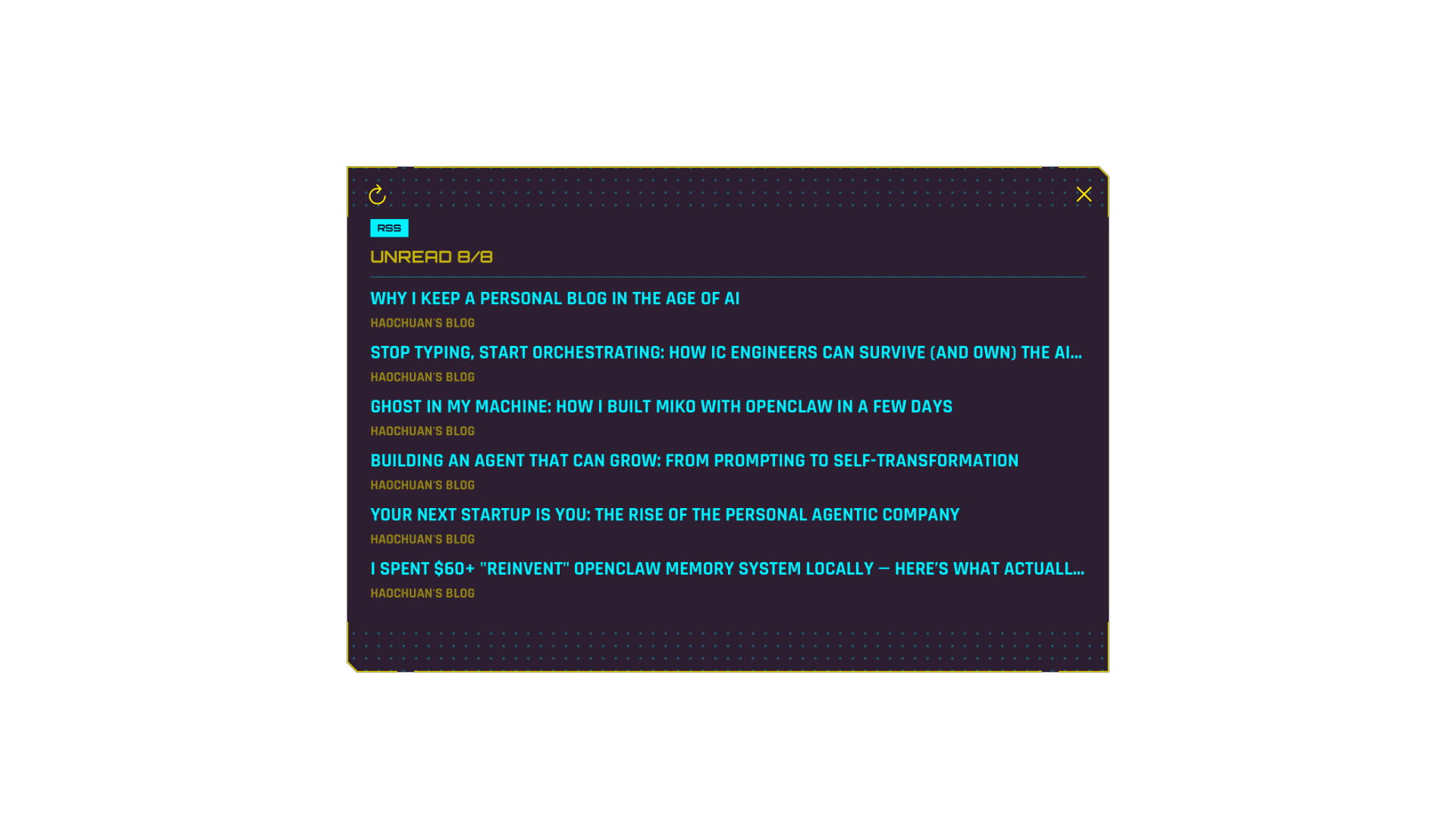
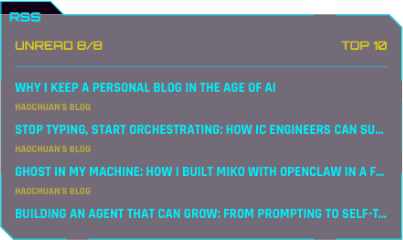
RSS Reader Compact widget showing approved public founder-journal titles.
Physical-iPhone Compact capture

Native // Reading

RSS Reader

Follow RSS feeds, organise categories, save favourites, and open articles in a cleaner Reader Mode.

Opening an article connects to its publisher, whose privacy practices apply.

Camera Compact widget in viewfinder standby.
Physical-iPhone Compact capture

Native // Camera

Camera

Open the iPhone camera in the centre, switch lenses, tap to focus, and take a still photo.
Saves to a CyberHUD album in Photos. It does not record video or upload captures.

Architect Compact widget.
Physical-iPhone Compact capture

Native // Creation

Architect

Describe a tool by typing or using on-device dictation, then choose Generate when you are ready.
Dictation stays on your iPhone. Generation starts only after you choose Generate.

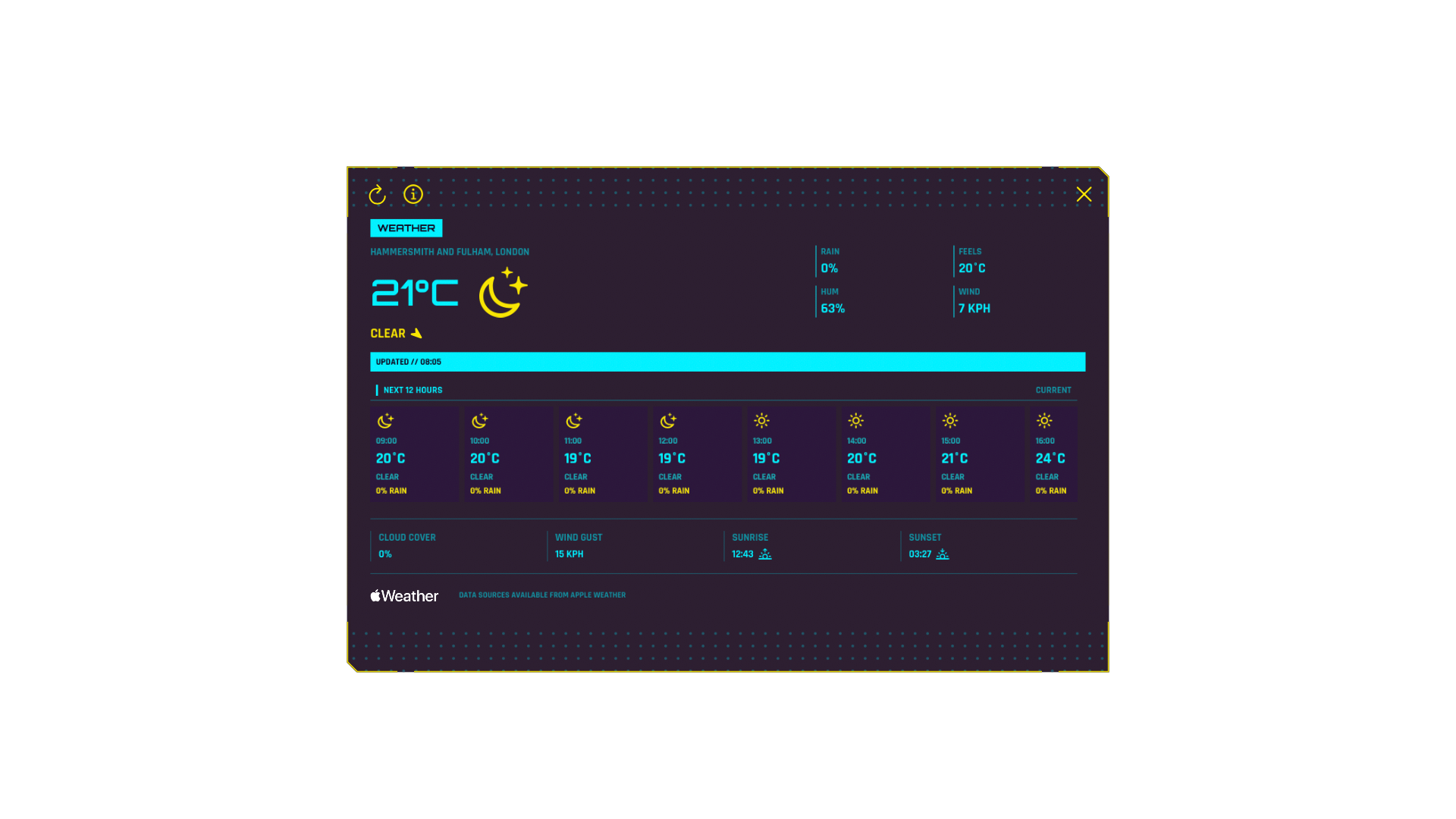
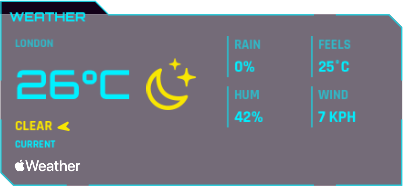
Weather Compact widget showing clear conditions in London.
Physical-iPhone Compact capture

Native // Weather

Weather

See current conditions, the next 12 hours, and a seven-day forecast from Apple Weather.
Uses an approximate location reading when you refresh, after permission.

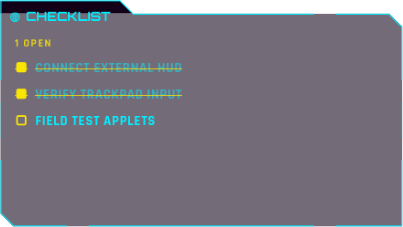
Checklist Compact widget showing three sample tasks.
Physical-iPhone Compact capture

Bundled // Utility

Checklist

Keep a short checklist in view and tick items off from the HUD.
Your checklist stays in CyberHUD on your iPhone.

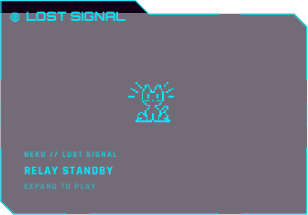
Lost Signal Compact widget in relay standby.
Physical-iPhone Compact capture

Bundled // Game

Lost Signal

Reconnect a broken signal in a compact arcade-style relay game.
Your progress stays in CyberHUD on your iPhone.

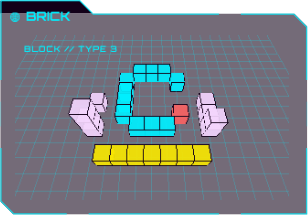
Brick Compact widget.
Physical-iPhone Compact capture

Bundled // 3D sandbox

Brick

Build a finite block map with four semantic block types, adjacent-face placement, camera modes, bounded undo and redo, pan, and zoom.
Uses no network connection or persisted map storage. Valid placement and deletion use fixed local feedback sounds.

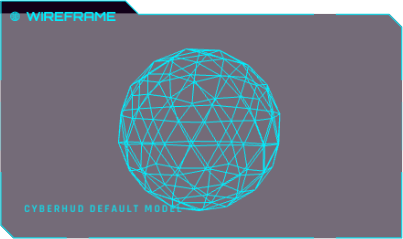
Wireframe Compact widget showing the included geometric model.
Physical-iPhone Compact capture

Bundled // 3D viewer

Wireframe

Explore the included model or import a supported 3D model to view privately.
Imported models stay in CyberHUD's private storage on your iPhone.

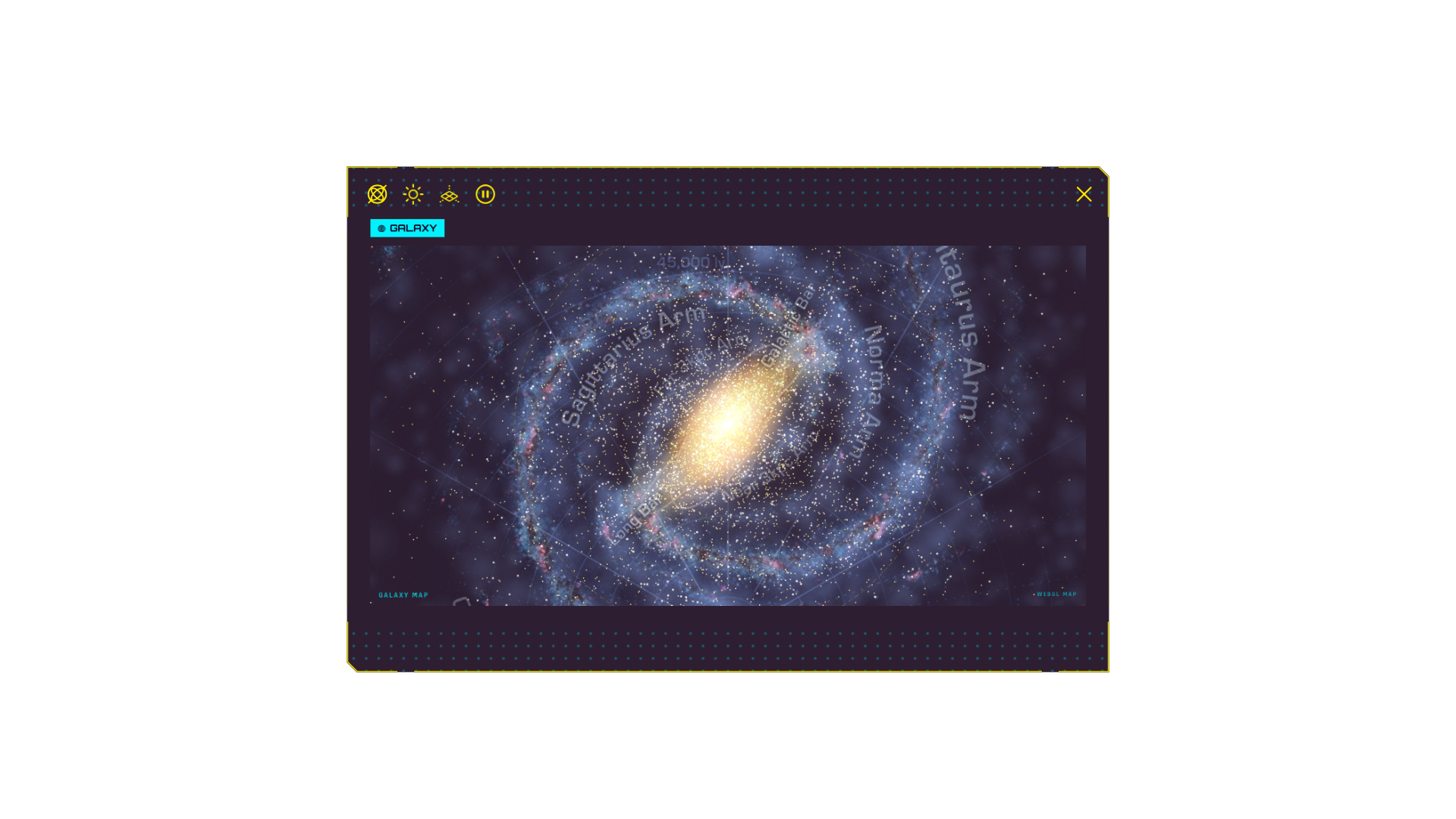
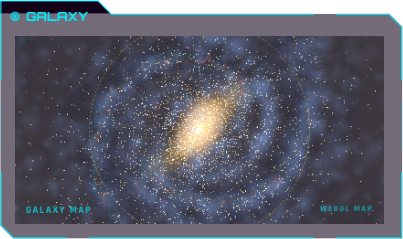
Galaxy Compact widget showing the included Milky Way map.
Physical-iPhone Compact capture

Bundled // Astronomy

Galaxy

Explore an interactive Milky Way and Solar System map, change your view, and focus on celestial bodies.
Current planetary positions use data requested from NASA/JPL when available.

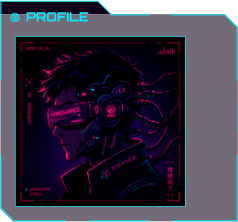
Profile Compact widget showing the accepted fictional fallback portrait.
Physical-iPhone Compact capture

Bundled // Profile

Profile

Create a personal HUD card with your chosen details and an optional photo.
Your profile details and selected image stay on your iPhone.

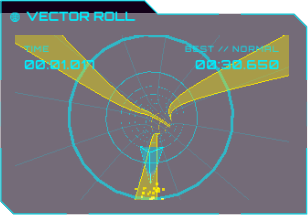
Vector Roll Compact widget.
Physical-iPhone Compact capture

Bundled // Motion game

Vector Roll

Steer through a procedural tunnel by tilting the iPhone, follow wider boost guides, choose openings in obstacle gates, and chase local best times.
CyberHUD does not save or upload raw motion samples.

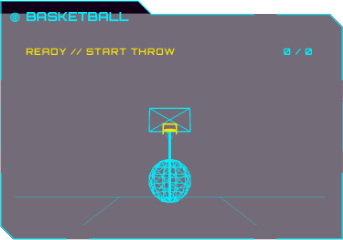
Basketball Compact widget.
Physical-iPhone Compact capture

Bundled // Motion game

Basketball

Counter slow aim drift with iPhone tilt, then hold and swipe upward to shoot from the free-throw line, three-point line, or half court.

Stores only your selected difficulty on the iPhone. Raw motion samples are not saved or uploaded.

Deterministic browser previews are not the native iPhone app or a demonstration through AR Glasses.

04 // Custom Applets

Describe a tool you need

Netics can help create it in one of four fixed Custom Applet slots after you choose Generate.

  1. 01

    Describe

    Start with the capability you want.

  2. 02

    Generate

    Choose on-device generation or a supported cloud provider.

  3. 03

    Validate

    CyberHUD checks the bounded result before it can be used.

  4. 04

    Review and apply

    Preview in the editor before Apply. Architect and confirmed Siri requests apply successful results directly to the selected slot.

  5. 05

    Save your favourites

    Shelve named snapshots in Saved Code, then load one into any of the four slots when you want to use it again.

Idea streamArchitect // Draft
  • Currency converter with configurable rates, a five-rate Compact list, and pair swapping.
  • Two-player chess with legal moves and synchronized interactions.
  • BPM coach with audio or visual ticks that keeps running in Compact mode.
  • Breath coach with guided patterns, countdowns, and cycle tracking.
  • Small 3D strategy prototype for mining, building, and producing units.
  • Top-view 3D shooter with tilt movement and tap or hold to fire.
  • Tip splitter for calculating gratuity and dividing a bill between people.
  • Scoreboard for tracking points, rounds, and local match history.
  • Formula pad for saving reusable calculations and entering new values.
  • Interval trainer that alternates work and rest with clear visual cues.
  • Memory grid with visual sequences that become progressively harder.
  • Tower defence with simple polygon units and short enemy waves.
  • Scale comparator for viewing object dimensions from the front, side, or top.
01Custom Applet
02Custom Applet
03Custom Applet
04Custom Applet
Custom Applets are planned for launch. They remain limited to four local slots and a small set of built-in capabilities. App Review notes describe the explicit user action, inspectable source, bounded host capabilities, and absence of remote applet packages without claiming prior Apple approval. A selected cloud provider receives the request, relevant source/context, and recent conversation only after Generate.

06 // Connection

Built around the iPhone

CyberHUD needs an iPhone, cable, and AR Glasses combination that can show external-display video over USB-C.

Connection

USB-C video output

The glasses operate as an external display while the iPhone runs CyberHUD.

Core controls

No glasses tracking required

The core experience does not require glasses cameras, motion sensors, head tracking, eye tracking, spatial anchors, or high refresh rates.

Optional 3D

Side-by-side stays optional

The current plan keeps the core experience free and ad-free, with an optional one-time CyberHUD Pro purchase planned for 3D side-by-side display. Pricing and availability are not final.